NetworkControl.
NETWORK CONFIGURATION
Configure IPv4 and DNS on Windows from a single interface.
Your Windows network, under control.
Select an adapter, review its configuration and apply IPv4 or DNS changes without navigating multiple Windows settings screens.
Features.
Adapters
Select the network interface you want to manage.
IPv4 configuration
View and modify network settings.
DNS servers
Manage the adapter's DNS configuration.
Network overview
View the current configuration in one place.
On screen.
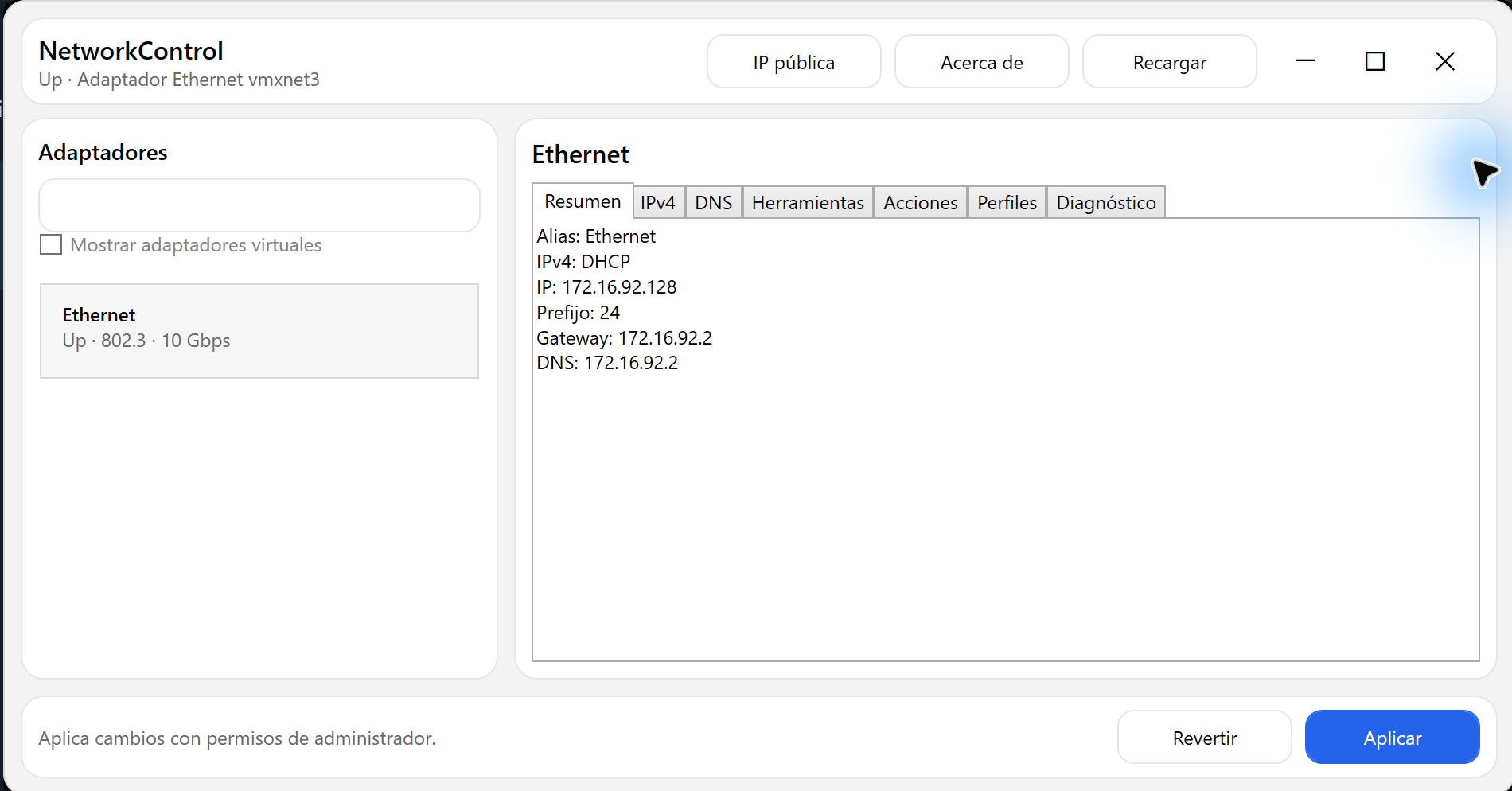
Windows · Network overview
The selected adapter and its configuration at a glance, with access to IPv4, DNS, tools, profiles and diagnostics.
Enlarge screenshotDISTRIBUTION
Availability
A new version is in preparation, with a refreshed interface and more professional features for managing Windows networks. Availability will be announced on this website.
SupportPrivacyVoluntary support.
You can support development on Ko-fi. Free downloads do not depend on a contribution.