ATorrent.
Manage your BitTorrent downloads with a native interface for Android, macOS, iPhone and iPad.
Your downloads. Under control.
Add a transfer, check its progress and decide when to pause or resume it. ATorrent brings the essentials together in a clear interface.
Features.
Magnet links and .torrent files
Add transfers from links or files.
Pause and resume
Continue downloading without losing progress.
Native interfaces
An experience adapted to each device.
Local files
Manage your transfers and files within the app.
On screen.
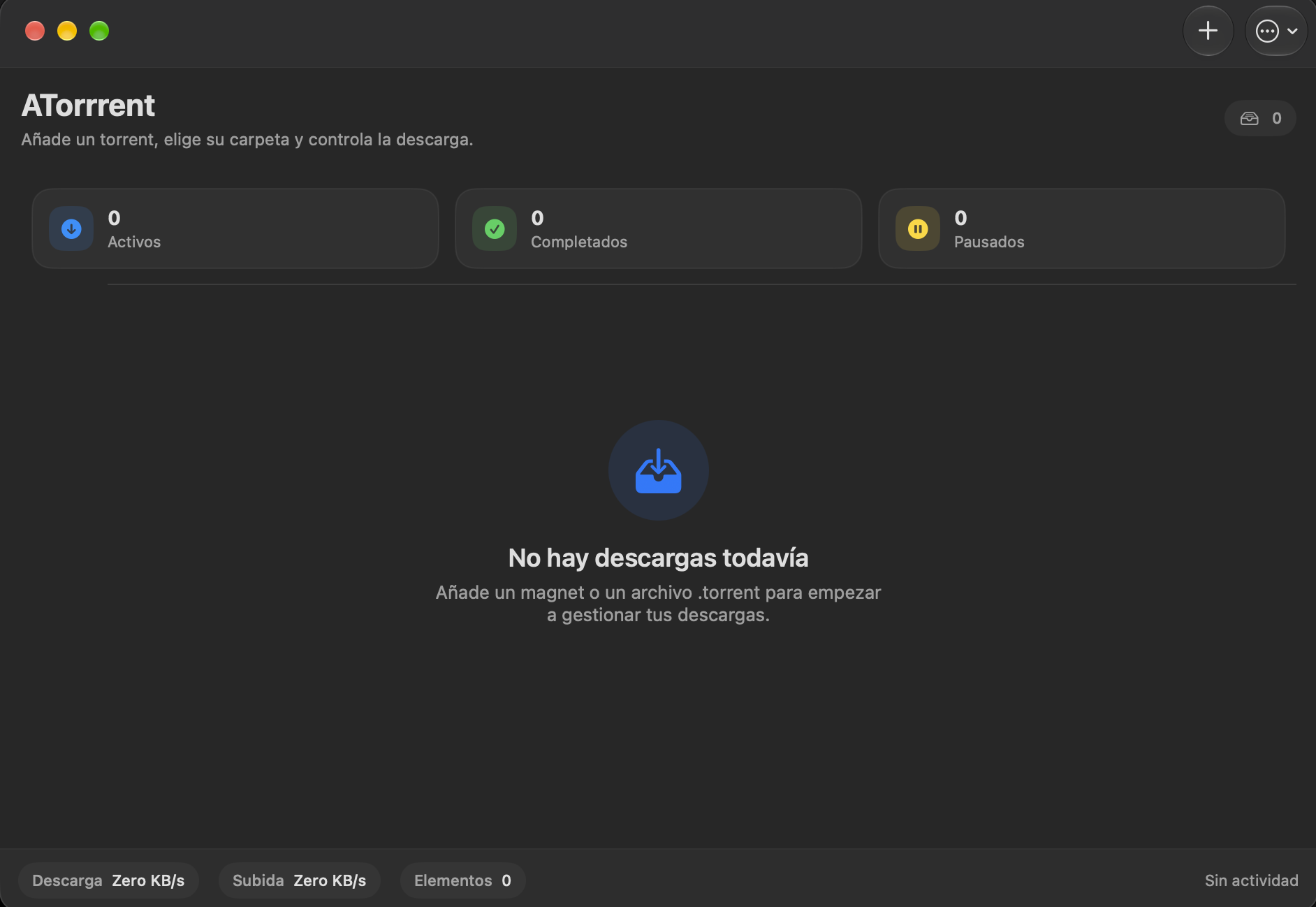
macOS · Main view
The desktop interface, with an activity summary and controls for adding a transfer.
Enlarge screenshot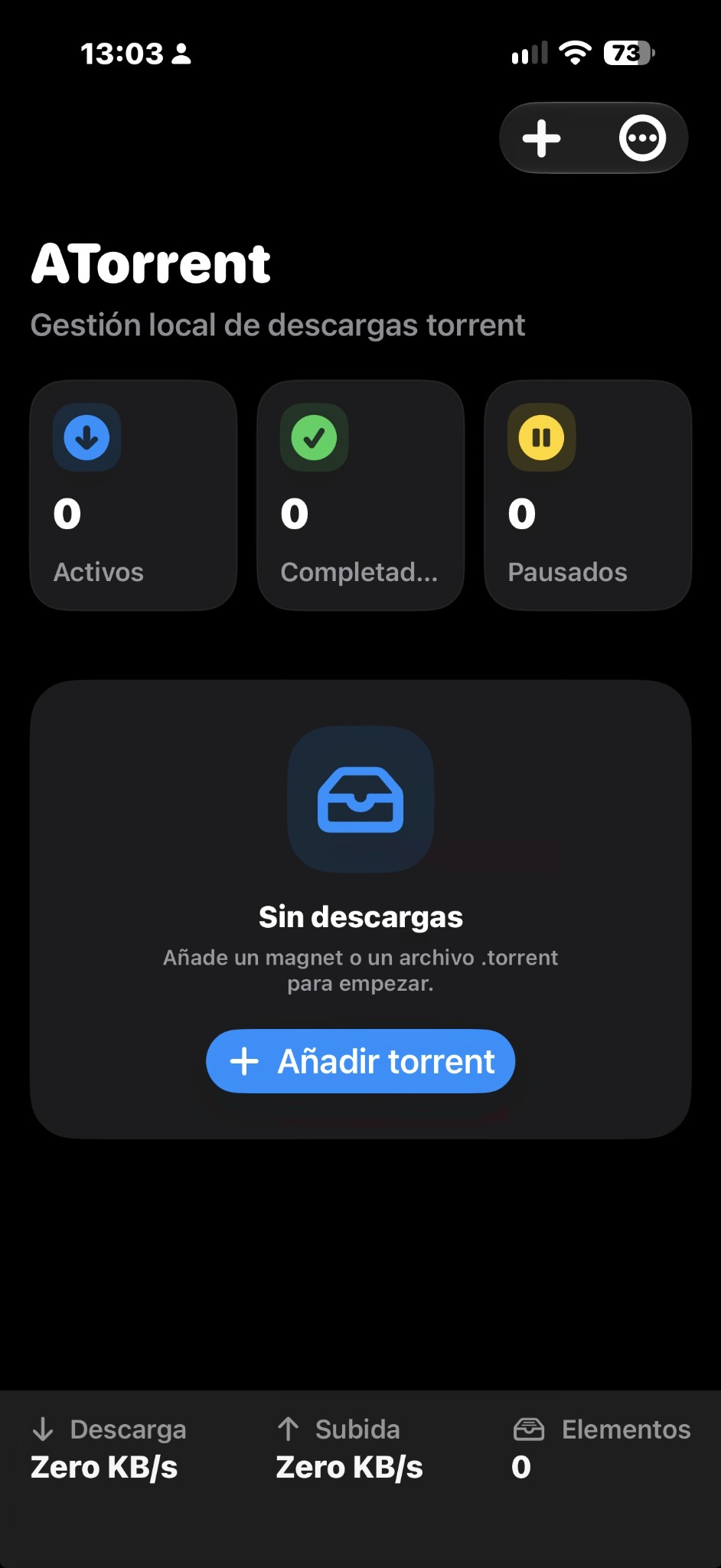
iPhone · Dark mode
The initial iOS view, with access to new transfers and download and upload speeds.
Enlarge screenshot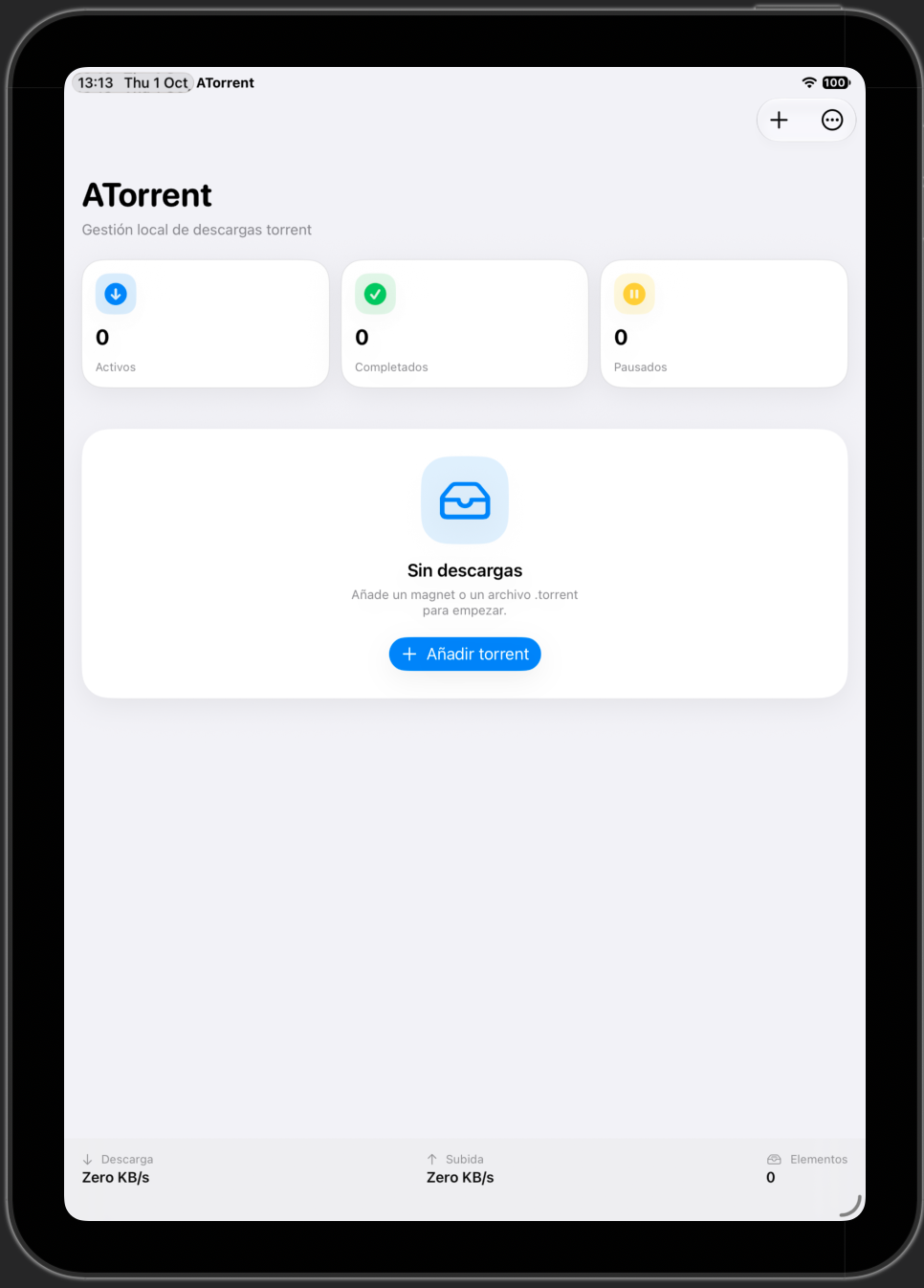
iPad · Light mode
The same experience on a larger screen, with controls and activity at a glance.
Enlarge screenshot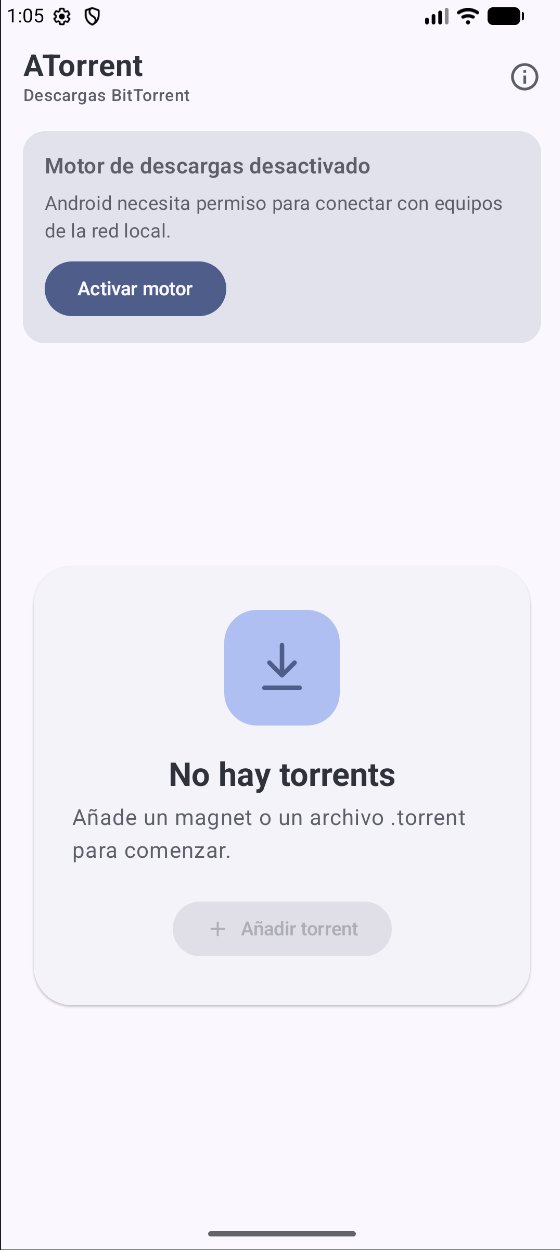
Android · Startup and permissions
Starting the engine and granting local network permission.
Enlarge screenshot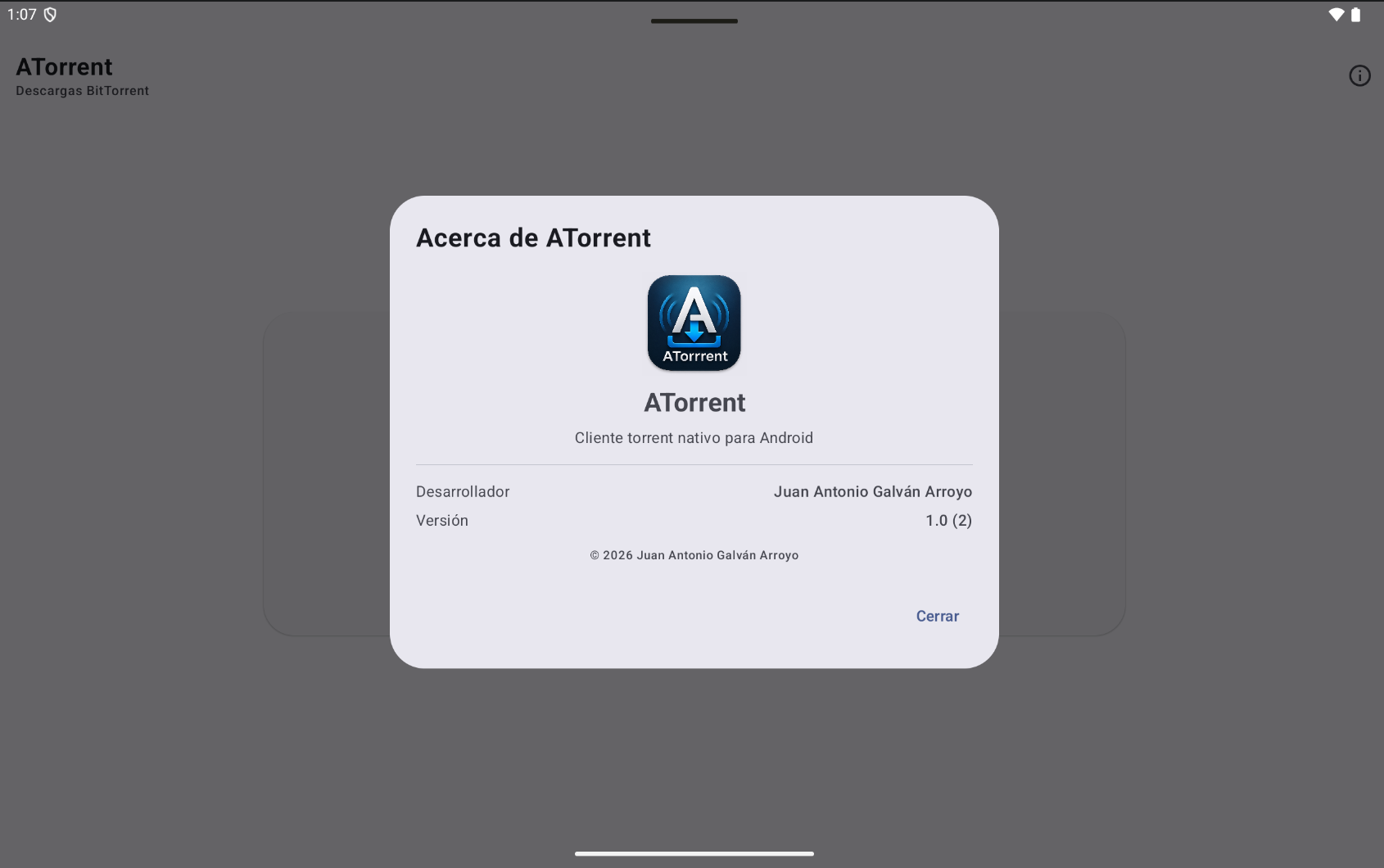
Android · About
App identity and version information in the Android interface.
Enlarge screenshotAvailability
Android, macOS and iOS/iPadOS: public distribution coming soon. Windows: in development.
SupportPrivacyFrequently asked questions.
Which platforms does ATorrent support?
ATorrent has versions for Android, macOS and iOS/iPadOS. Windows is in development. Check availability before installing.
Does it support magnet links and .torrent files?
Yes. You can add transfers using either format.
Do downloads continue in the background?
On Android, a transfer service displays progress in a notification. On iPhone and iPad, keep the app open while downloading.
Where are files saved on iPhone and iPad?
Within ATorrent's storage. You can access them in Files under “On My iPhone / On My iPad → ATorrent”.
Does ATorrent hide my IP address?
No. During a BitTorrent transfer, your IP address may be visible to other participants. ATorrent is not an anonymity tool.
Voluntary support.
You can support development on Ko-fi. Free downloads do not depend on a contribution.